Introduction
MATEXT HUB is available on macOS and Windows. The application is free to download and installs locally on your machine.
Download
1. Go to the MATEXT website and download the installer for your operating system.
2. Select the correct version for your platform:
- macOS installer
- Windows installer
macOS Installation
1. Open the downloaded macOS installer.
2. Move MATEXT HUB into the Applications folder.
3. Launch the application from Applications.
4. If macOS displays a security message, confirm that you want to open the app.
Windows Installation
1. Open the downloaded Windows installer.
2. Follow the installation steps.
3. Once installation is complete, launch MATEXT HUB from the Start menu.
Account Creation
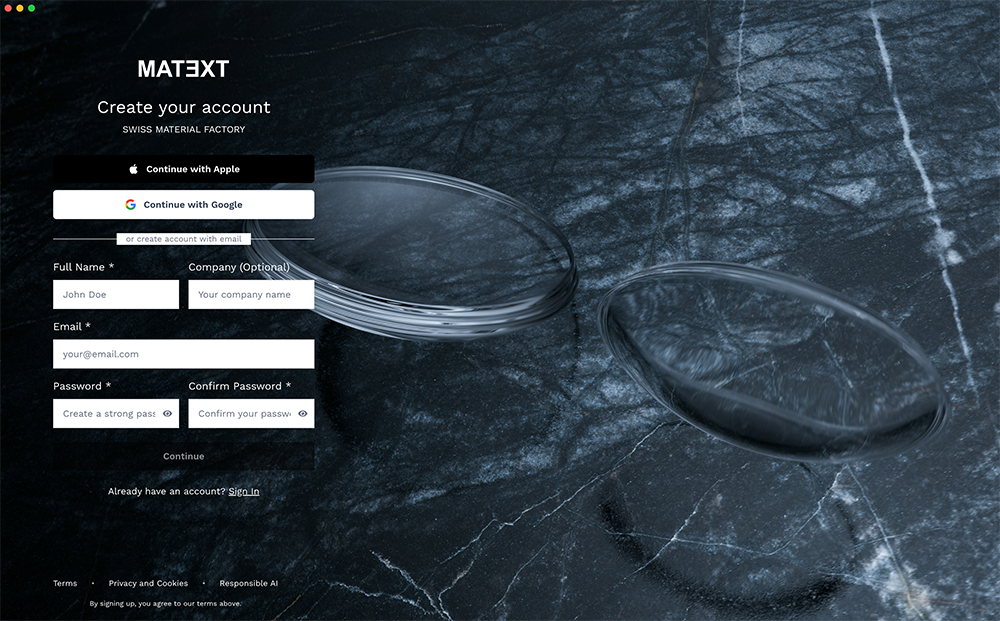
Account creation is handled directly from the application home screen.
When launching MATEXT HUB for the first time, you will be prompted to create an account from the main entry screen.
Create an Account
1. Open MATEXT HUB.
2. On the home screen, select Create account.
3. Enter the required information.
4. Confirm your details to complete the account setup.
Once your account is created, you can immediately access the application features.
Automatic Updates
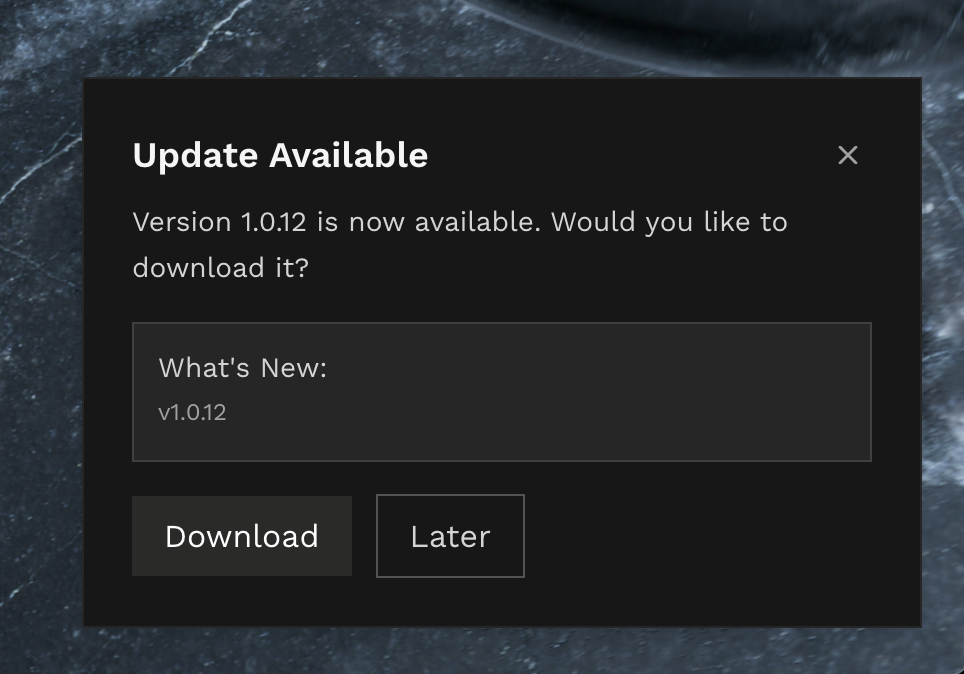
When a new version is available, a notification appears on the home screen allowing the update to be installed automatically in one click.

.svg)